Featured

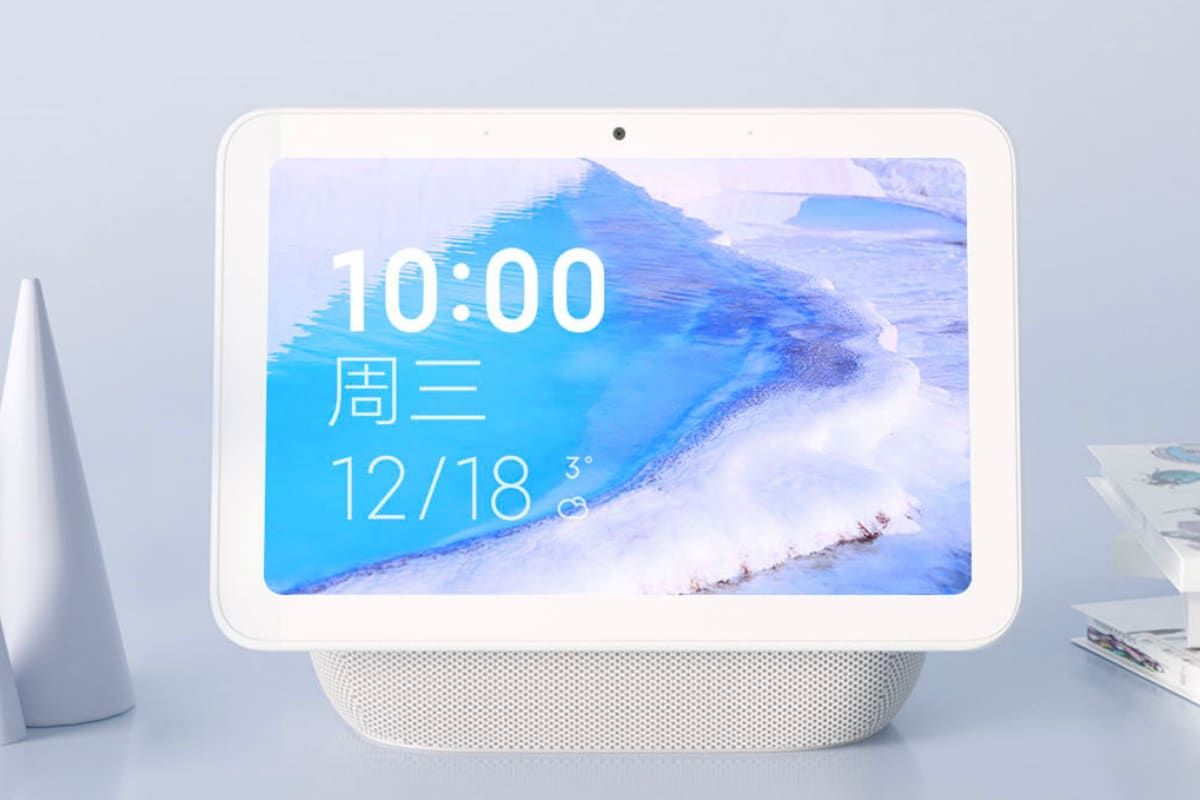
Xiaomi touchscreen speaker pro8

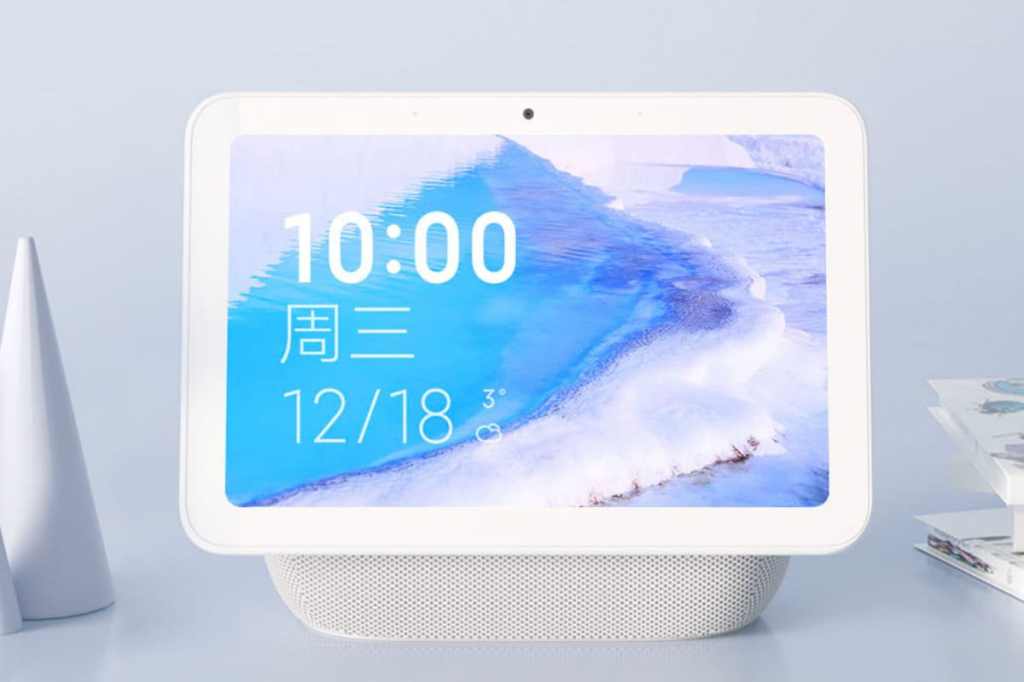
Xiaomi has launched the XiaoAI Touchscreen Speaker Pro 8 as its new smart home device to take on the likes of Google Nest Hub and Amazon Echo Show 8. Featuring an 8-inch display, the XiaoAI Touchscreen Speaker Pro 8 provides real-time weather updates, multimedia streaming, and video calling features. The smart display provides the ability to control other smart home devices. It comes with three subwoofers and a 50.8mm, 10W driver along with DTS audio tuning. Xiaomi has also offered compatibility with Android and iOS devices.

Xiaomi XiaoAI Touchscreen Speaker Pro 8 price

The Xiaomi XiaoAI Touchscreen Speaker Pro 8 carries a price tag of CNY 499 (roughly Rs. 5,100). The device is listed on the Xiaomi YouPin, though it will go on sale in China starting December 18. Moreover, it will be available for purchase through online portals such as Mi.com and JD.com.

Details about the global pricing and availability of the XiaoAI Touchscreen Speaker Pro 8 aren’t announced yet, though.

Xiaomi XiaoAI Touchscreen Speaker Pro 8 specifications, features

The Xiaomi XiaoAI Touchscreen Speaker Pro 8 features an 8-inch multi-touch display with 1280×800 pixels resolution. There is a proprietary far-field voice-recognition technology. Further, the display has the 50.8mm 10W driver that is coupled with three subwoofers.

Connectivity options on the XiaoAI Touchscreen Speaker Pro 8 include dual-band Wi-Fi 802.11ac and Bluetooth v5.0. It is compatible with devices running at least Android 4.4 or iOS 9.0. Further, there are physical keys to adjust the volume.

Just like Amazon Echo Show 8 or Google Nest Hub, the XiaoAI Touchscreen Speaker Pro 8 works with a range of over-the-top (OTT) platforms such as Douyin, iQiyi, and Youku. It also provides kids-focussed content and ability to set reminders and alarms. Users can also make video calls by using the front-facing camera or use the device as a digital photo frame.

There is XiaoAI digital assistant to perform tasks using voice commands. Also, the device can work as a hub to control various smart devices.

Xiaomi XiaoAI Touchscreen Speaker 

Introduce Yourself (Example Post)

This is an example post, originally published as part of Blogging University. Enroll in one of our ten programs, and start your blog right.

You’re going to publish a post today. Don’t worry about how your blog looks. Don’t worry if you haven’t given it a name yet, or you’re feeling overwhelmed. Just click the “New Post” button, and tell us why you’re here.

Why do this?

  • Because it gives new readers context. What are you about? Why should they read your blog?
  • Because it will help you focus you own ideas about your blog and what you’d like to do with it.

The post can be short or long, a personal intro to your life or a bloggy mission statement, a manifesto for the future or a simple outline of your the types of things you hope to publish.

To help you get started, here are a few questions:

  • Why are you blogging publicly, rather than keeping a personal journal?
  • What topics do you think you’ll write about?
  • Who would you love to connect with via your blog?
  • If you blog successfully throughout the next year, what would you hope to have accomplished?

You’re not locked into any of this; one of the wonderful things about blogs is how they constantly evolve as we learn, grow, and interact with one another — but it’s good to know where and why you started, and articulating your goals may just give you a few other post ideas.

Can’t think how to get started? Just write the first thing that pops into your head. Anne Lamott, author of a book on writing we love, says that you need to give yourself permission to write a “crappy first draft”. Anne makes a great point — just start writing, and worry about editing it later.

When you’re ready to publish, give your post three to five tags that describe your blog’s focus — writing, photography, fiction, parenting, food, cars, movies, sports, whatever. These tags will help others who care about your topics find you in the Reader. Make sure one of the tags is “zerotohero,” so other new bloggers can find you, too.

Design a site like this with WordPress.com
Get started